
Inventory and food safety
Restaurant inventory and food traceability software
Know what you have, where it is, which batch it came from and how it was consumed. The storeroom stops being a room full of rumours.
Theoretical and physical stock only match when the system records what happens.
GastroMando connects entries, consumption, production, imported sales, waste and blocks. You can follow locations, batches and expiry dates without mixing data between restaurants.
- Stock by ingredient and location.
- Batches, expiry dates and traceability.
- Consumption, waste and blocks.
- Inventory counts and stock value.
- Minimum stock and operational alerts.
- RLS restaurant-level isolation.
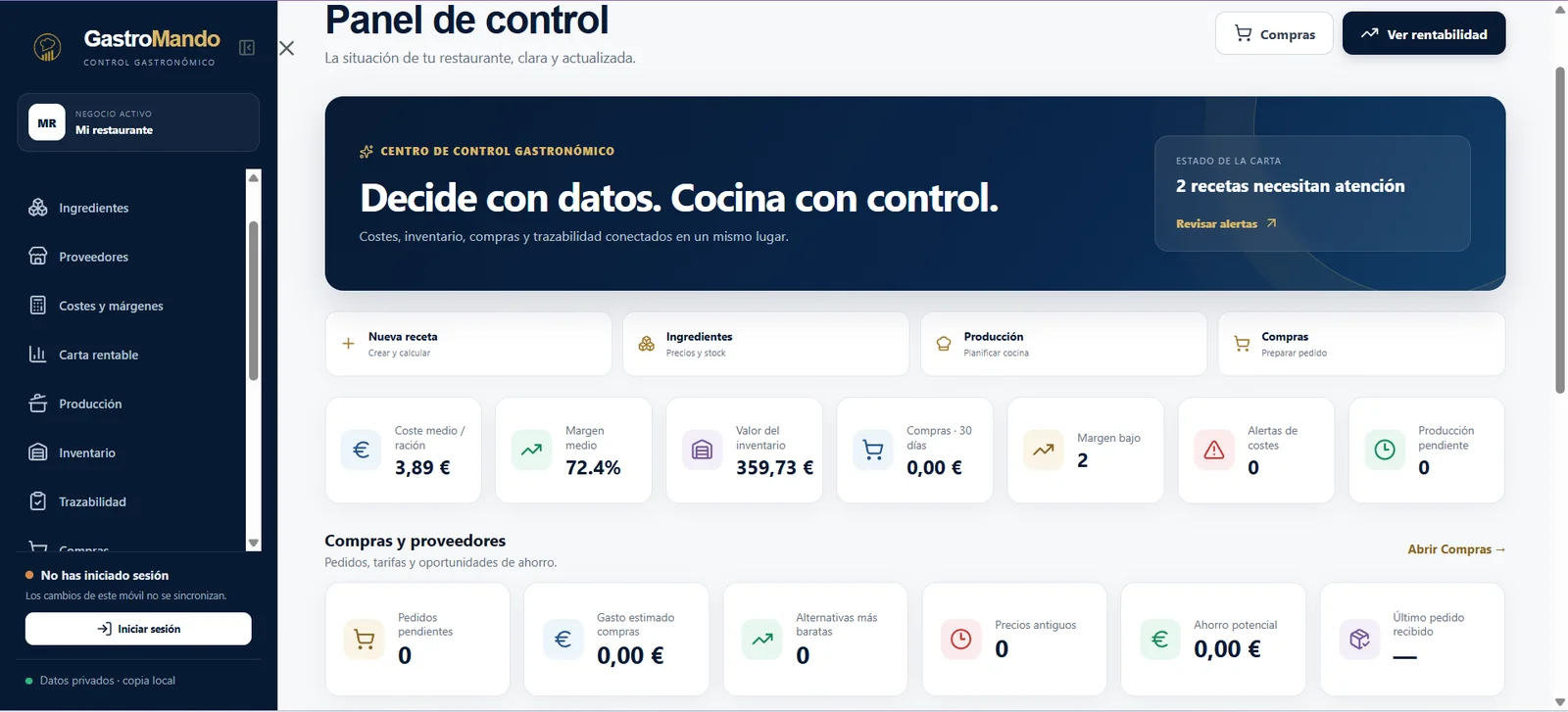
Operational workflow
A traceable chain from purchasing to consumption.
Traceability becomes part of daily work instead of a document that appears only on inspection day.
1
Record the entry and batch data.
2
Locate the product and track expiry.
3
Deduct consumption through production or sales.
4
Review movements, waste and available stock.
Frequently asked questions
Clear answers before a demonstration.
Can it track batches and expiry dates?
Yes. The shared infrastructure includes batches, expiry dates, locations, consumption, waste and blocks.
Does each restaurant see only its own data?
RLS permissions are designed to isolate each restaurant’s information.
Can it tolerate a temporary connection problem?
The PWA has local support for temporary incidents and later synchronisation.
See this workflow with your own recipes and operation.
Open the public product or request a focused demonstration.